Wingstop
- 4.8
- Rating
- 5.00M
- Installs
- Free
- Price

 Analysis by App-foxy
I found Wingstop most useful when I treated it as a quick ordering tool rather than as a full restaurant-discovery app. Its purpose is narrow and clear: help me arrange wings for delivery or carryout without turning a simple meal into a long browsing session. That focus is its biggest strength, but it also explains its main limitation. If I already know I want Wingstop, the app can make the process feel direct; if I am comparing many restaurants, planning around detailed dietary needs, or looking for a broad food marketplace, I would choose a different kind of app.
As a Food & Drink app from Wingstop Restaurants, Incorporated, it has been around since Nov 11, 2011. The current release is version 2026.5.1, and it is free to install for devices running Android 7.0 or later. The age rating is Everyone, which fits the straightforward ordering purpose. On the Android store, it has passed 5 million installs, with an average rating of 4.8 from around 189 thousand ratings and roughly 32 thousand written reviews. Those figures suggest a well-established ordering experience, although a high store score cannot guarantee that every order, location, or delivery experience will be equally smooth.
What using Wingstop is actually like
My first impression is that the app works best when I decide what I want before opening it. I can use it for the basic choices that matter in a Wingstop order: delivery or carryout, the food I want, the flavor direction I prefer, and the quantity that suits the occasion. That sounds obvious, but it is important because the app is not trying to be a general-purpose restaurant guide. It keeps the attention on getting a Wingstop meal arranged.
You May Also Like

 Blood Strike: 2.5 Anniversary
Blood Strike’s Loadouts Turn Every Drop Into a Tactical Gamble
A close look at Blood Strike’s custom loadouts: how fast access to signature weapons reshapes its battle royale rhythm, rewards preparation, and narrows the gap between fights.

 Pandora - Music & Podcasts
Pandora’s Music Is Easy to Start, but Harder to Recover
Pandora’s strength is its low-effort path from a seed to a station. Its weak spot is how much confidence it asks you to place in connection, setup, and quiet recovery.

 8 Ball Pool
 Is Built on Rivalries, Rematches, and Routine
A close look at the rivalries, rematches, shared routines, and unanswered safety questions that turn a quick pool match into a persistent mobile community.

 Samsung Music
’s Quiet Strength Is Playing What You Already Own
Its reach comes less from spectacle than from dependable access to a personal library. That simplicity is both the app’s strongest retention engine and its ceiling.

 AccuWeather: Weather Radar
AccuWeather Review: A Quick, Clear Forecast for Everyday Decisions
For everyday plans, the best forecast is the one you can understand quickly. AccuWeather makes rain timing, radar, and local conditions easy to act on, with a few trade-offs.

 Hill Climb Racing
Why Hill Climb Racing Still Turns Crashes Into One More Run
A tiny car, a bumpy hill and one more upgrade: Hill Climb Racing keeps resurfacing because its simple chaos makes every near-miss feel personal.
More From Our News Desk
View All News


The distinction between delivery and carryout is especially practical. I might use delivery when I am working from home and do not want to interrupt the afternoon, while carryout makes more sense when I am already near a restaurant or want more control over when I collect the food. Choosing between those options at the beginning helps me think about the order as a plan rather than simply filling a basket. For a busy evening, that small decision can prevent the last-minute question of whether I should wait for a driver or pick the food up myself.
The app is also a better fit for repeat customers than for someone discovering Wingstop for the first time. Once I know the kind of meal I like, a branded ordering app can feel less distracting than scrolling through a marketplace filled with unrelated restaurants. I do not have to filter out sushi, pizza, groceries, or promotions from competing businesses. The trade-off is that I lose the convenience of comparing Wingstop with nearby alternatives in the same screen.
Why the focused ordering flow matters
One of the less obvious benefits is consistency of attention. When I order through a broad delivery platform, I am often tempted to compare delivery times, fees, bundles, and restaurant ratings before I even decide what I want. That can be useful, but it can also make a simple order take longer. Wingstop’s dedicated approach is more comfortable when the decision has already been made: I want wings, I know the restaurant, and I want to move from selection to checkout with as little wandering as possible.
That focus also makes the app suitable for group orders where the menu decision is already mostly settled. For example, if several people at home agree on Wingstop, I can use the app to organize the order instead of asking one person to remember every choice from a conversation. The important practical habit is to review the basket carefully before submitting it. Group orders are where flavor preferences, portion choices, and delivery details are easiest to mix up, and a branded app does not remove the need for that final check.
I would not describe the experience as a replacement for thinking through the meal. The app helps with the transaction, but it cannot decide whether delivery or carryout is better for my schedule, whether everyone wants the same flavor, or whether a particular order is suitable for a person with strict dietary requirements. Those decisions still belong to me, and I would not rely on a quick tap-through without checking the item information that matters to my household.
A realistic evening use case
Imagine a weekday evening when I finish work later than expected and need food for two people. I open the app, choose the option that matches my plans, build an order around the preferences we have already discussed, and review the basket before confirming it. In that situation, the value is not novelty. It is reducing the number of separate decisions between “we want Wingstop” and “the order is placed.” That is where the app earns its place on my phone.
For a sports night or a casual gathering, the same workflow becomes more useful because quantity and variety matter more. I can think about the order as a shared meal instead of making separate requests through messages. My advice is to settle the main preferences before opening the app, then use the basket as a checklist. This is faster and less error-prone than browsing while several hungry people change their minds.
Carryout has a different advantage. If I am passing a Wingstop location on the way home, placing the order before I leave can help me make the stop part of my route. I would still allow enough time for preparation and avoid assuming that an app order means the food will be ready at the exact moment I arrive. The useful workflow is to place the order with a realistic pickup plan, not to treat the app as a guarantee that removes all timing variables.
Where the app is stronger than a general delivery platform
The clearest advantage over a multi-restaurant delivery app is concentration. I am not paying with my attention by comparing unrelated menus. The dedicated app makes sense for people who already have a relationship with Wingstop’s menu and want a direct route to delivery or carryout. It is also easier to explain to a friend: use the Wingstop app when you want Wingstop, and use a marketplace when you are still deciding among restaurants.
A branded app can also feel more dependable as a reference point for the restaurant’s own menu and ordering path. I prefer starting with the restaurant’s own channel when I already know the brand, because it keeps the order connected to the place I intended to use instead of making that restaurant one tile among many. Still, I would not assume that the dedicated app will always be the cheapest or fastest option for every situation. A marketplace may be more convenient when I want to compare delivery availability, combine an order with another purchase, or use one familiar account for several restaurants.
That comparison reveals the app’s real position. It is not the best tool for broad choice; it is a focused tool for a focused craving. If I install it expecting a citywide food search, I will probably find it limited. If I install it because I regularly order from Wingstop, the narrow scope becomes a benefit rather than a problem.
The friction I would want users to understand
The main weakness is dependence on a single restaurant brand. The app cannot help me compare Wingstop with another wing restaurant, check a different cuisine, or switch to a nearby alternative without leaving its focused environment. That may sound like an unfair criticism, but it matters when delivery timing, availability, or group preferences change. A general delivery service is better prepared for those moments because its entire purpose is comparison and variety.
There is also a mental cost to ordering for a group. A dedicated app can make the transaction cleaner, but it does not automatically make a complicated order simple. I still need to check each selection, make sure the delivery or carryout choice is correct, and confirm the order details before finishing. When I am tired or rushing, that review step is easy to skip. My practical tip is to pause at the basket and read it as if I were checking someone else’s order, especially when several people are sharing the meal.
Strict dietary planning is another situation where I would be cautious. I would use the app to examine the available choices, but I would not treat a convenient ordering screen as a substitute for confirming ingredients, preparation concerns, or cross-contact questions directly with the restaurant when those details are important. Someone with a serious allergy may be better served by contacting the location first or choosing a service with the exact information and communication tools they require.
The app is also not the right choice for people who dislike brand-specific installations. If I only order Wingstop once in a long while, a browser or a general delivery app may be more practical than keeping another dedicated app available. The fact that it is free removes the purchase barrier, but it does not remove the storage, notification, and account-management considerations that come with any installed service.
Who will get the most from it
I would recommend Wingstop to regular customers, households that frequently order wings, and anyone who values a direct path to delivery or carryout. It is particularly useful when the restaurant choice is already made and the main task is organizing the order without distractions. People arranging food for a small group may appreciate having one place to gather the selections, provided they take a moment to review everything before submitting.
It is also a sensible option for someone who alternates between delivery and pickup. Rather than treating those as completely separate habits, the app lets me choose the method that fits the day. On one evening I might want food brought to the door; on another, I might prefer to collect it while running errands. That flexibility is more meaningful than a long list of decorative features because it matches how real meals are planned.
I would steer away from it if my priority is discovering new restaurants, comparing prices across several services, or managing a broad weekly grocery-and-meal routine. I would also be careful recommending it as the only ordering method for someone with complex allergy questions or highly specific dietary requirements. In those cases, direct communication and detailed comparison may matter more than a streamlined branded experience.
Small habits that make the experience better
Decide whether delivery or carryout fits the day before building the basket. This keeps the order aligned with the actual schedule instead of making the fulfillment method an afterthought.
For shared meals, collect everyone’s preferences first and use the basket as a final checklist. This reduces the chance of confusing flavors or quantities when ordering under pressure.
Read the completed order carefully before confirming it. A focused app can make the process quick, but speed is not a substitute for checking the restaurant, fulfillment choice, and selected items.
Use the dedicated app when the Wingstop decision is already made, but compare elsewhere when delivery timing, restaurant variety, or total value is the main concern.
If an allergy or strict dietary requirement affects the meal, treat the app as one part of the process and verify the important details with the restaurant rather than relying only on a compact menu screen.
My final recommendation
After using it as an ordering companion, I see Wingstop as a practical specialist rather than an all-purpose food app. Its strongest quality is the direct connection between a specific craving and the action of arranging delivery or carryout. The high average store rating and broad install base show that many people find this focused approach worthwhile, but my own recommendation is more specific: it is valuable when Wingstop is already the restaurant I want.
The best reason to install it is simple: it removes unnecessary browsing when the restaurant choice has already been made. That makes it a good everyday tool for repeat customers and group meals, while its single-brand focus makes it less attractive for comparison shoppers and food explorers. I like it most when I use it deliberately, check the order before confirming, and choose another service when variety or detailed dietary communication matters more than convenience.
For Android users, the free app supports devices from Android 7.0 onward, and its Everyone rating makes it broadly accessible. I would recommend giving it a try if Wingstop is already part of your regular takeaway routine. If you only need an occasional order or prefer one app for every restaurant, the usual multi-restaurant alternative may fit your habits better. In short, this is a focused, useful choice for getting a Wingstop meal arranged, not a universal answer to every food-ordering need.
Wingstop succeeds because it understands its job and mostly stays close to it. I would keep it for convenient repeat ordering, especially when delivery or carryout needs to be organized quickly, while remembering that the narrow focus is both its greatest strength and its clearest boundary.
FAQs for Wingstop
01What platforms is the Wingstop app available on?
The Wingstop app is available for both Android and iOS devices. You can download it from the Google Play Store for Android or the Apple App Store for iOS. The app provides a seamless experience across both platforms, ensuring you can place your orders and access features wherever you are.
02Can I customize my wing orders using the app?
Yes, the Wingstop app allows you to fully customize your wing orders. You can select your preferred flavors, adjust the quantity, and choose from a variety of sides and dips. The app provides a straightforward interface to make sure your order is just the way you like it, down to the sauce.
03Does the Wingstop app offer delivery and pickup options?
The Wingstop app supports both delivery and pickup options. You can choose to have your order delivered to your doorstep or opt for a pickup at your nearest Wingstop location. The app will show available options based on your location, ensuring flexibility to suit your needs.
04Are there any exclusive deals or rewards through the Wingstop app?
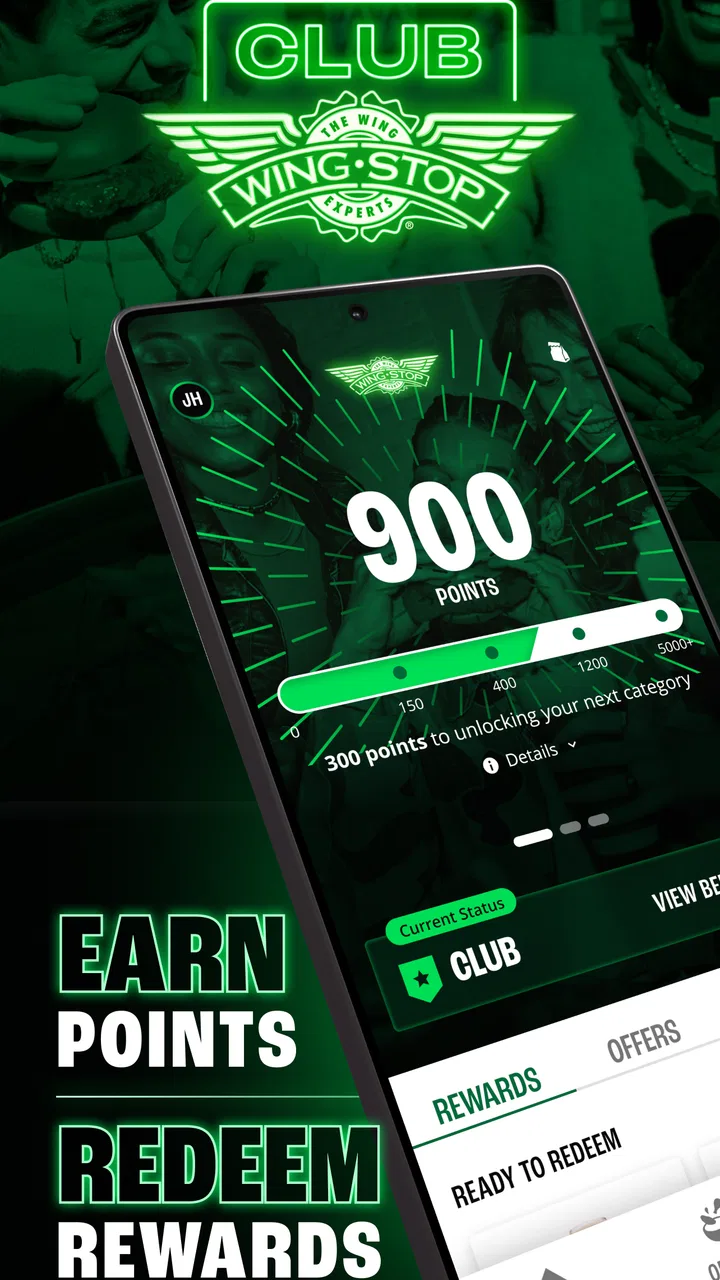
Yes, the Wingstop app often features exclusive deals and rewards for app users. By downloading the app, you can access special promotions and earn points on your purchases, which can be redeemed for discounts or free menu items. It's a great way to save while enjoying your favorite wings.
05How does the Wingstop app handle payment and security?
The Wingstop app offers secure payment options, including credit and debit cards. It employs encryption technology to protect your financial information and ensure a safe transaction process. You can also save your payment details for quicker checkout, knowing your data is handled securely.
Pros
- User-friendly interface simplifies ordering.
- Wide variety of flavors and options.
- Offers exclusive app-only deals.
- Convenient order tracking feature.
- Easy payment options including Apple Pay.
Cons
- Limited customization for special orders.
- Occasional delays in delivery updates.
- App may crash on older devices.
- Location services required for use.
- No in-app customer support chat.

Wingstop
Gallery